
Swipe to decide
One movie at a time. Right for the watchlist, left to move on. That is the whole interface.
POV: 40 minutes of scrolling, zero movies watched. Just swipe right and hit play already.
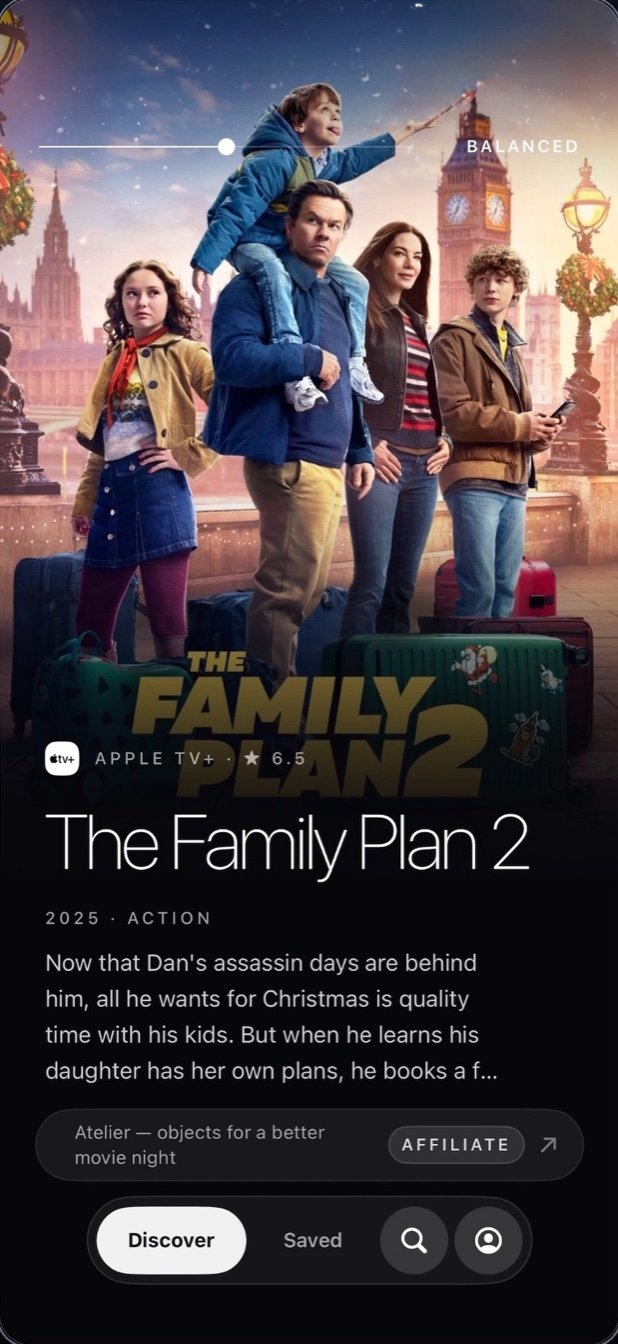
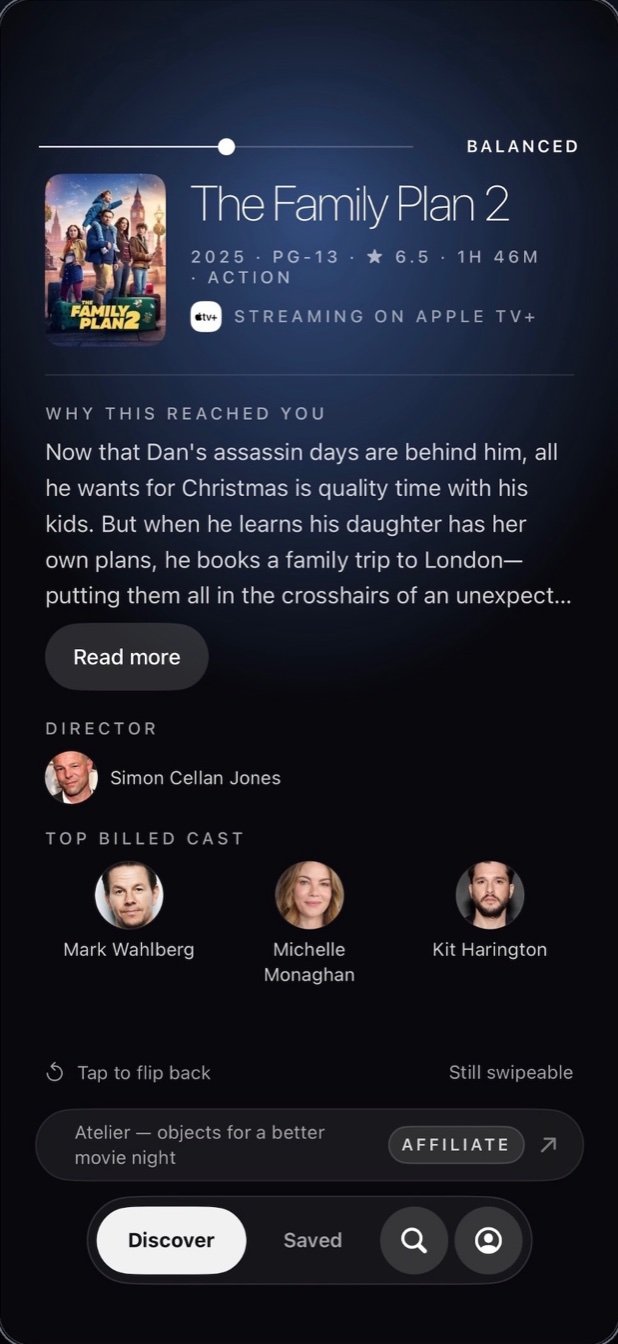
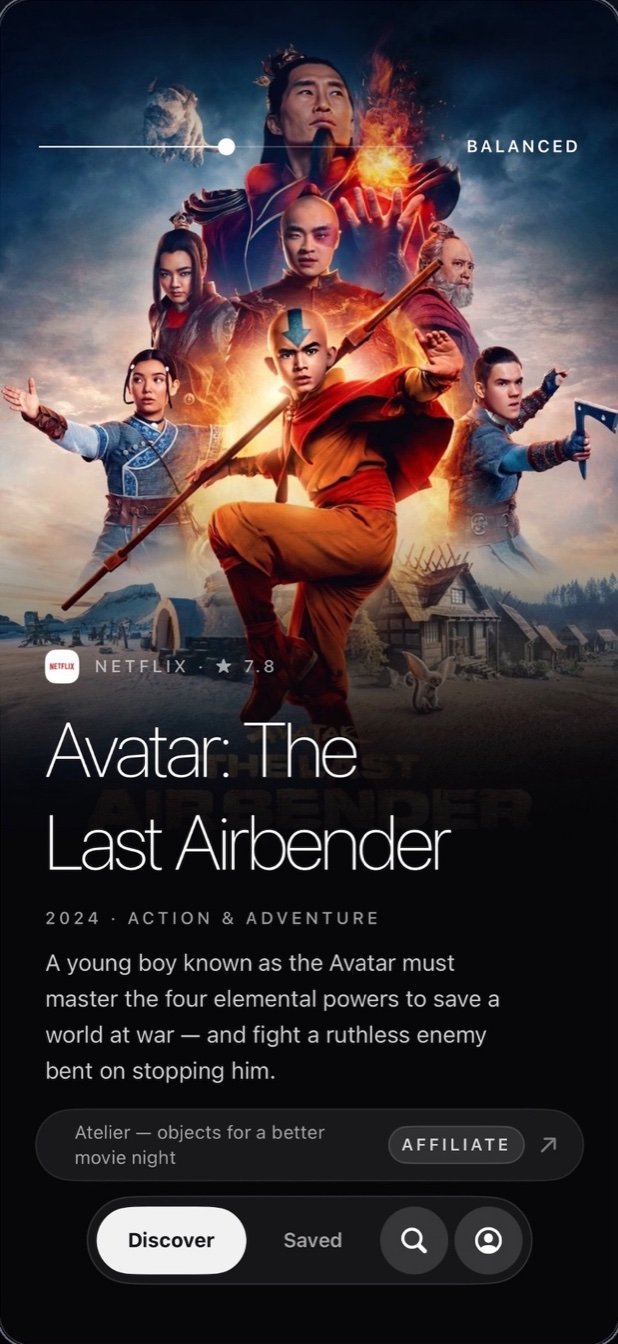
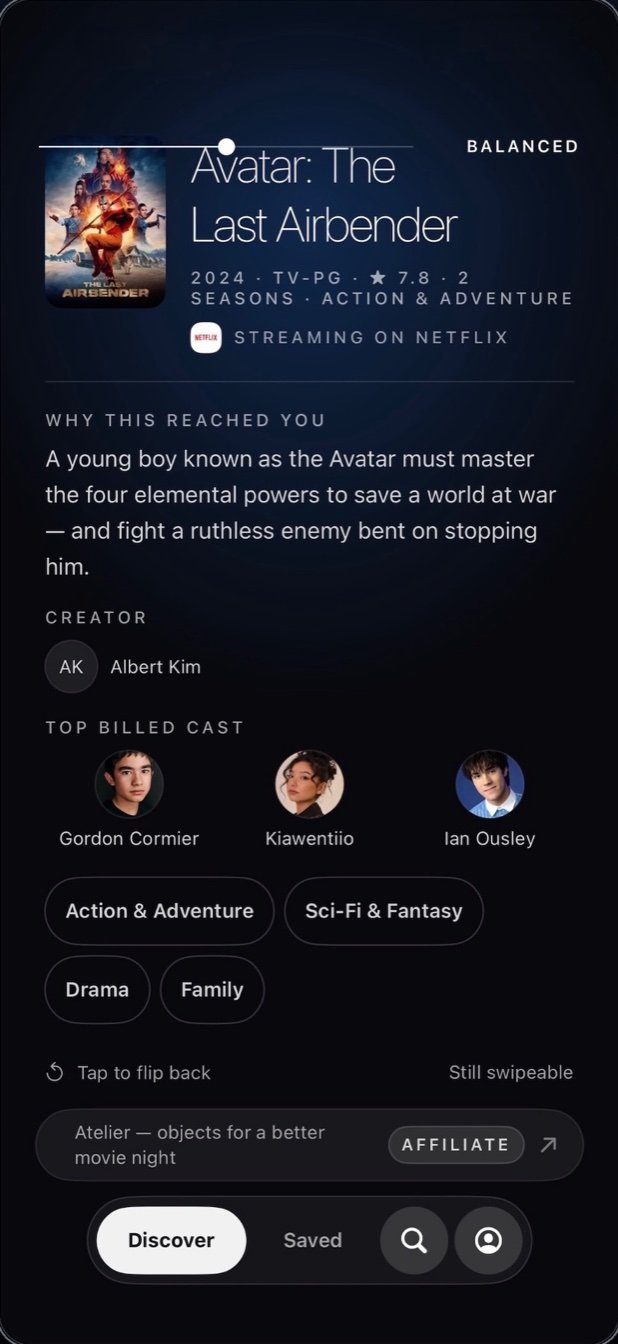
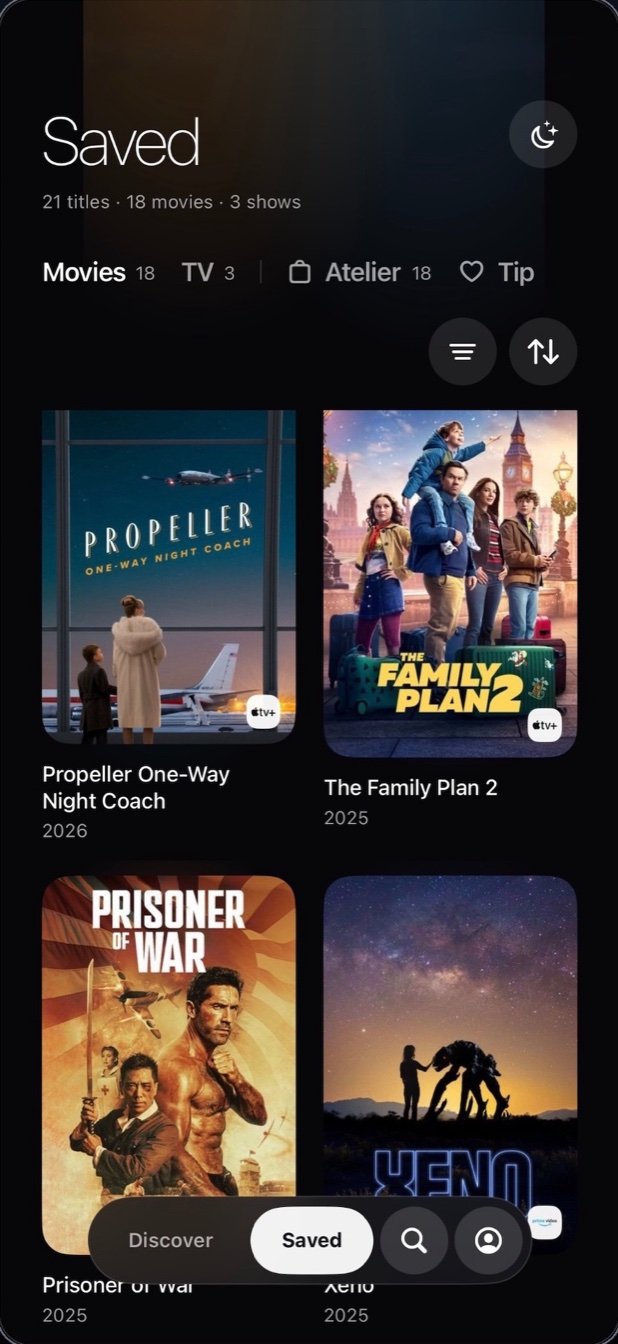
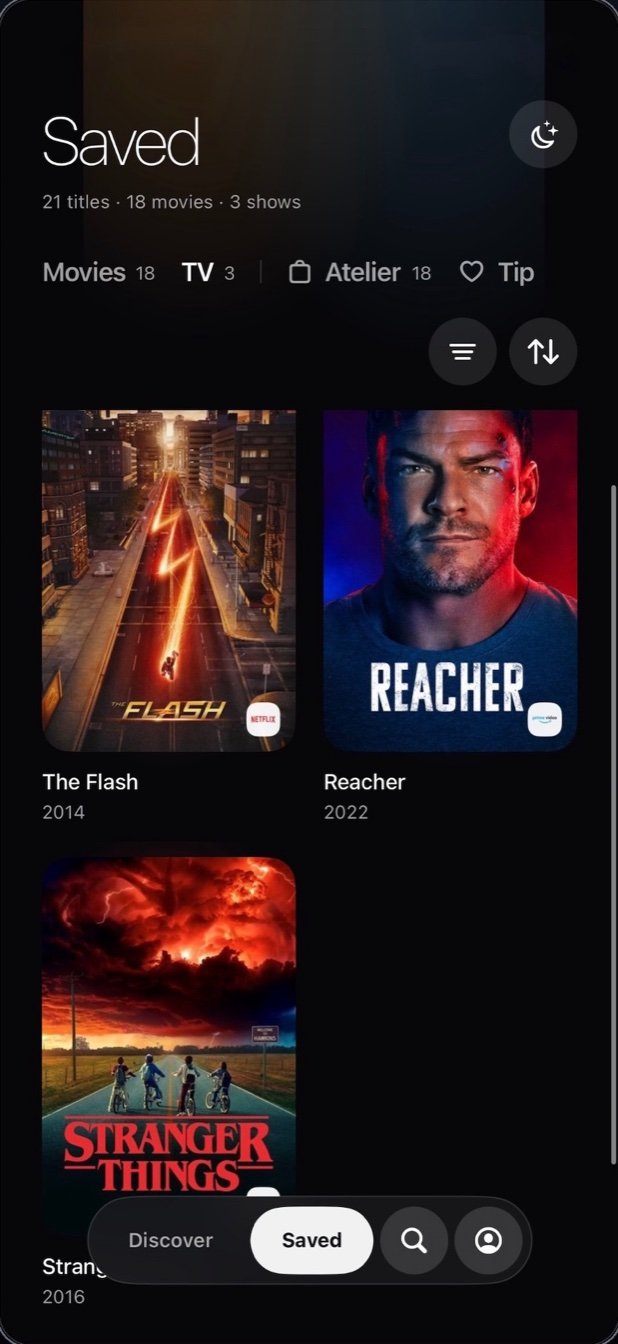
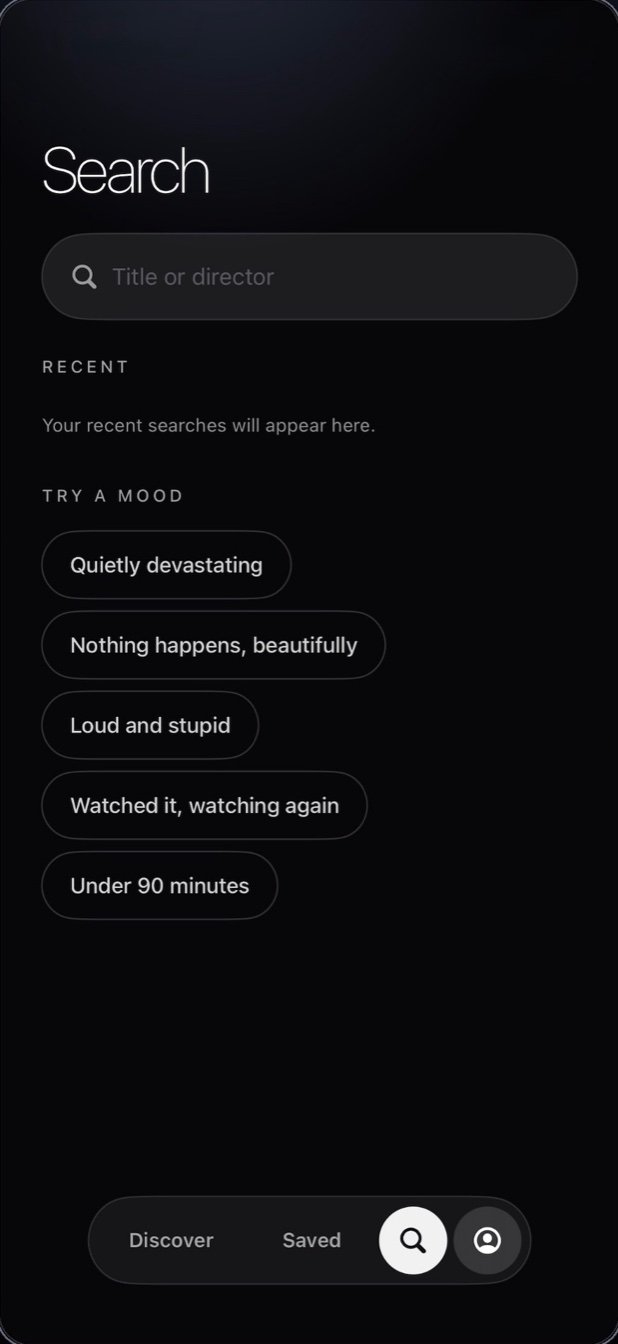
‘Flick: What to Watch Next’ came from a very specific stage of parenting: when getting the kids to bed meant we had approximately one tiny window of freedom before we passed out too.
We finally had time to watch something… but then spent half of it scrolling through movies and shows, clicking into titles, reading descriptions, backing out, and starting over.
By the time we picked something, one of us was usually already falling asleep — and that was me, 100% of the time.
So I built ‘Flick: What to Watch Next’ to make choosing something feel a lot faster and a little more fun. And if you’ve ever used Tinder, the swiping will feel very familiar — right if you’re interested, left if you’re definitely not.
No endless lists. No opening twenty different titles just to read what they’re about. Just swipe through, save what looks good, and actually get to the part where you watch something.
Because when you finally have a free evening, you shouldn’t spend half of it choosing the entertainment.
One movie at a time. Right for the watchlist, left to move on. That is the whole interface.
Pick the services you subscribe to and the deck never shows you something you cannot actually watch.
Every right swipe stacks up into a list waiting for the next free evening.
Full title search for the nights you already have something in mind.
Flick: What to Watch Next is an iOS movie and TV discovery app: a shuffled deck of titles drawn only from the streaming services you already pay for, so you swipe instead of scrolling menus.
Swipe through the deck, keep what looks good, and let the watchlist build itself — deciding tonight takes seconds, not forty minutes.
Not yet — Flick: What to Watch Next is in development and coming to the App Store. This page will link to it the day it ships.
Flick: What to Watch Next is designed and built by Tehmina Tajik, an independent iOS developer.
Flick: What to Watch Next handles the hardest part — deciding. The rest of a great movie night is the room it happens in. This is the gear list: things I think earn their place on the couch, the wall, and the coffee table. Links go to Amazon.
As an Amazon Associate, I earn from qualifying purchases. Prices and availability are set by Amazon.
The soundbar the TV wall wants
View on Amazon ↗The full home-theater arrangement
View on Amazon ↗Bias lighting that follows the picture
View on Amazon ↗Movie night, relocatable
View on Amazon ↗The backyard upgrade
View on Amazon ↗The real thing
View on Amazon ↗Six ways to season
View on Amazon ↗The theater look
View on Amazon ↗Tubs worth keeping
View on Amazon ↗For the popcorn dissenters
View on Amazon ↗Dessert, with ceremony
View on Amazon ↗The whole night in one box
View on Amazon ↗Movie discovery, streaming, and finding something worth watching next.
Search assumes you know what you want. Most movie nights start without that — why one-at-a-time yes/no beats the infinite grid.
Flick: What to Watch NextTwo people, one screen, forty minutes of "I don't mind, you pick" — a framework for deciding together, fast.
Flick: What to Watch NextThirty-one verified September arrivals — returning heavyweights, starry premieres, and one very big night of live boxing — sorted by week.
Flick: What to Watch NextThe app-hopping ritual, retired — why fragmented catalogs make discovery slow, and how to browse everything you pay for in one place.
Flick: What to Watch NextIt isn't you — the psychology and the numbers behind the endless browse, and the habits that end it.
Flick: What to Watch NextThe forty-minute scroll is real — the research behind choice overload, and a faster way to actually press play.
Flick: What to Watch Next