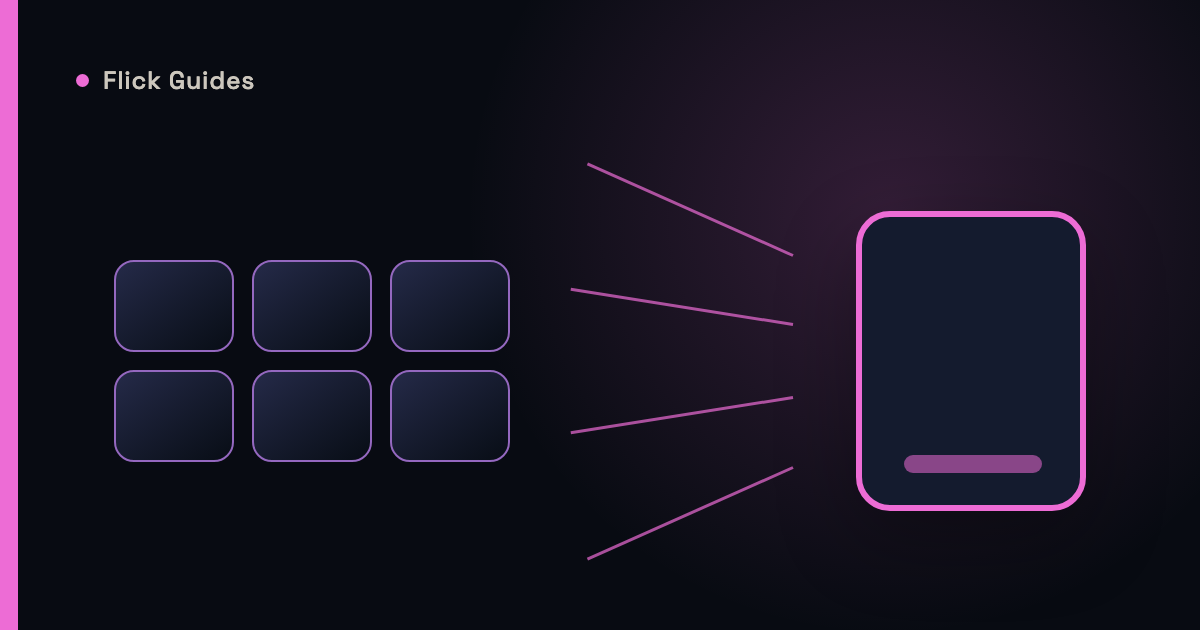
The modern pre-movie ritual: open one app, scroll, nothing. Open the next, scroll, nothing. By the third app you have forgotten what looked good in the first. Streaming did not just split the bill into subscriptions — it split the catalog into silos, and it quietly made finding something to watch into a multi-app chore. It does not have to be.
Why discovery got fragmented
Deloitte's Digital Media Trends puts the average U.S. streaming household at four paid services — four separate catalogs, four recommendation engines, four search boxes, none of which know the others exist. Streaming is where TV time goes now — Nielsen's Gauge measured it at 48.6% of all U.S. television watch-time in May 2026 — which makes the fragmentation tax feel bigger every year. Titles also move: licensing deals expire and rotate, so the thing you saw last month may live somewhere else now, or nowhere. The result is a strange inversion — you pay for more content than any generation in history, and finding one good thing takes longer than ever.
Availability and discovery are different problems
It helps to name the two jobs. Availability is a lookup: "which of my services has this exact movie?" Discovery is the harder one: "show me something good I did not know I wanted." Per-app browsing is bad at both — it answers availability one silo at a time, and it limits discovery to whatever that one service happens to promote. The fix for each is the same: work from a view that spans everything you pay for.
Strategies that actually save the evening
Pick one discovery home base
Choose a single place to find titles — an app or list that covers all your services — and stop treating each streaming app as a place to browse. The apps become where you press play, not where you decide.
Filter to your services, ruthlessly
Any recommendation that ends at a paywall you do not pay for is noise. A discovery setup that only shows what you can watch tonight removes the most common dead end.
Keep one watchlist, not four
Per-service lists rot in their silos. One central shortlist — anywhere — means movie night starts from eight things you already liked instead of a cold scroll.
Check availability at decision time
Because titles rotate, verify where something streams when you are about to watch it, not when you save it. Save the title; resolve the where later.
Where Flick: What to Watch Next comes in
This is the exact shape of the problem Flick: What to Watch Next was designed around. You tell it which services you pay for, and its discovery deck draws from all of them at once — one full-screen title at a time, swipe right to save, swipe left to pass. The watchlist is the single list, and every card already answers "can I watch this tonight?" because it would not be in your deck otherwise. Discovery across services stops being a tour of apps and becomes one deal of the cards.
Sources
Continue Reading
Why Swiping May Be a Better Way to Discover What to Watch Next
Search assumes you know what you want. Most movie nights start without that — why one-at-a-time yes/no beats the infinite grid.
Flick: What to Watch NextWhat Should We Watch Tonight? A Better Way to Pick a Movie Together
Two people, one screen, forty minutes of "I don't mind, you pick" — a framework for deciding together, fast.
Flick: What to Watch NextWhat's New to Stream in September 2026: Movies & TV Shows Worth Watching
Thirty-one verified September arrivals — returning heavyweights, starry premieres, and one very big night of live boxing — sorted by week.
Flick: What to Watch Next